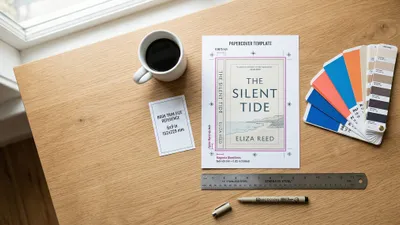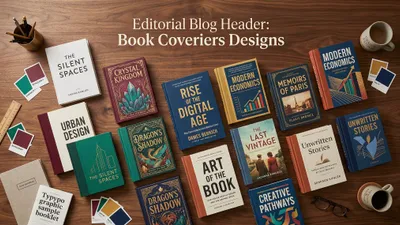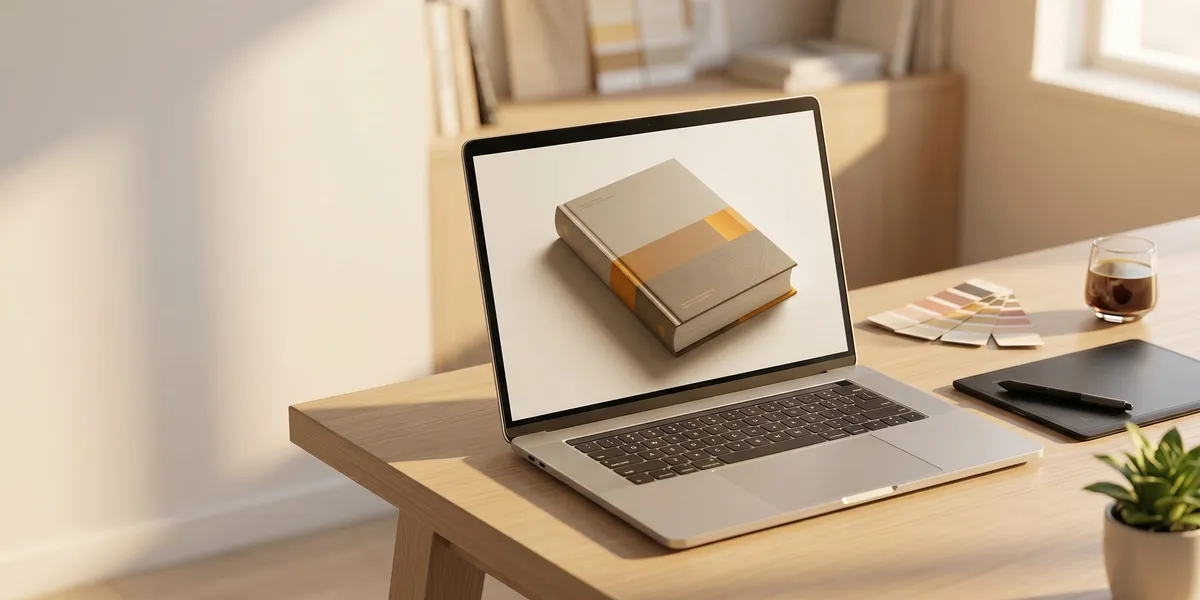
You can turn a flat book cover design into a professional 3D mockup in under 60 seconds — completely free.
In this guide, you’ll learn:
- The 7 best free book cover mockup generators (with honest pros and cons for each)
- How to create a mockup step by step — from uploading your cover to downloading the final image
- Where to use your mockups for maximum marketing impact
Here are the tools and the process.
What Is a Book Cover Mockup Generator?
A book cover mockup generator is an online tool that takes your flat 2D book cover image and places it onto a realistic 3D book template. The result looks like a photograph of a physical book — complete with shadows, perspective, and depth.
You don’t need Photoshop. You don’t need design skills. You upload your cover file, pick a template, and download the finished mockup in PNG or JPG format.
Authors use mockups for book marketing on social media, Amazon listing images, author websites, email newsletters, and advertising campaigns. A 3D mockup makes your book look tangible before a single copy is printed.
Why You Need Book Cover Mockups
A flat cover image tells readers what your book looks like. A 3D mockup tells them your book is real.
That distinction matters more than most authors realize. According to The Book Designer, authors who use professional mockups in their marketing materials see significantly higher engagement on social media and advertising.
Here’s what mockups do for your book launch:
- Build pre-launch anticipation — share mockups months before your book ships
- Create professional ad creatives — 3D mockups outperform flat covers in Amazon ads and Facebook campaigns
- Populate your author website — a mockup gallery looks polished and professional
- Support social media content — mockups give you variety instead of reposting the same flat cover image
7 Best Free Book Cover Mockup Generators
1. DIY Book Covers — Best Overall Free Option
Best for: Authors who want maximum template variety and fast results
DIY Book Covers has been the go-to mockup generator for self-published authors for years, and it remains the most author-focused option available.
You get hardcover, paperback, box set, and device mockups. Upload your cover, adjust positioning, and download a high-resolution image in seconds. The templates are specifically designed for book marketing — not generic product shots.
Pros: Huge template library, author-specific scenes, fast rendering Cons: Some premium templates behind a paywall Price: Free tier available, premium templates from $47/year
2. Adazing — Best for Speed
Best for: Authors who need a quick mockup without fussing over settings
Adazing delivers results in under 10 seconds. Upload your cover, select a scene, and download a high-resolution PNG. No account required.
The tool generates clean, professional mockups that work well for Amazon KDP product listings and social media posts. The library includes hardcover, paperback, and tablet/device scenes.
Pros: Extremely fast, no sign-up needed, high-res output Cons: Fewer template options than competitors Price: Free
3. Canva — Best for Full Marketing Workflow
Best for: Authors who want mockups plus social media graphics in one tool
Canva integrates mockup generation into its broader design platform. You can create a mockup and immediately drop it into an Instagram post, book ad, or email header without switching tools.
The mockup selection covers hardcover, paperback, square, and portrait formats. If you already use Canva for your book cover design, this keeps everything in one workflow.
Pros: Integrated with a full design suite, tons of templates, easy to use Cons: Best mockup templates require Canva Pro ($13/month) Price: Free tier available, Pro from $13/month
4. BookBrush — Best for Author-Specific Marketing
Best for: Authors who want mockups designed specifically for book promotion
BookBrush was built exclusively for authors. Beyond basic mockups, it offers scene templates with tablets, reading environments, and seasonal themes designed for book marketing plans.
The tool includes social media templates pre-sized for every platform, so you can create a mockup and immediately build a marketing graphic around it.
Pros: Built for authors, social media templates included, scene variety Cons: Free tier is limited, full access requires subscription Price: Free tier available, Pro from $9.99/month
5. Mediamodifier — Best Template Library
Best for: Authors who want hundreds of mockup scenes and angles
Mediamodifier offers one of the largest mockup template libraries available — hundreds of different scenes, angles, and environments. Everything runs in your browser with no downloads needed.
You can create mockups with lifestyle backgrounds (coffee shop tables, bookshelves, reading nooks) that feel more natural than isolated product shots.
Pros: Massive template library, lifestyle scenes, browser-based Cons: Many templates require premium subscription Price: Free mockups available, premium from $14.95/month
6. Mockey AI — Best for No-Watermark Free Mockups
Best for: Authors on a strict budget who need clean, watermark-free results
Mockey is completely free with no watermarks on downloads. That’s increasingly rare — most generators either watermark free mockups or limit resolution.
The template selection is growing, and the AI-powered tool handles cover placement automatically without manual adjustments.
Pros: Truly free, no watermarks, automatic cover placement Cons: Smaller template library than established competitors Price: Free
7. Renderforest — Best for Video Mockups
Best for: Authors who want animated mockup videos for social media
Renderforest goes beyond static images with animated book mockup videos — rotating 3D renders, page-flip animations, and cinematic reveal sequences.
If your ebook marketing strategy includes video content for TikTok, Instagram Reels, or YouTube, Renderforest gives you materials that static tools can’t match.
Pros: Video mockups, animation options, professional quality Cons: Free tier has limited exports, video requires premium Price: Free tier available, premium from $9.99/month
Quick Comparison Table
| Tool | Best For | Free Tier | Watermark-Free | Video Mockups | Price |
|---|---|---|---|---|---|
| DIY Book Covers | Overall quality | Yes | Yes | No | Free / $47/yr |
| Adazing | Speed | Yes | Yes | No | Free |
| Canva | Full workflow | Yes | Yes (limited) | No | Free / $13/mo |
| BookBrush | Author marketing | Yes | Limited | No | Free / $9.99/mo |
| Mediamodifier | Template variety | Yes | Limited | No | Free / $14.95/mo |
| Mockey AI | Budget-friendly | Yes | Yes | No | Free |
| Renderforest | Video mockups | Yes | Limited | Yes | Free / $9.99/mo |
How to Create a Book Cover Mockup (Step by Step)
The process is nearly identical across all mockup generators. Here’s the universal workflow:
Step 1: Prepare Your Cover File
Start with a high-resolution version of your book cover. For best results:
- File format: PNG or JPG (PNG preserves transparency if needed)
- Resolution: At least 1600 x 2400 pixels for a standard 6x9 book
- DPI: 300 DPI for print-quality mockups, 72 DPI is fine for web-only use
If you don’t have a cover yet, you’ll need to design one first or use an AI book cover generator to create a starting point.
Step 2: Choose Your Mockup Scene
Pick a template that matches how you’ll use the mockup:
- Product shot (white or transparent background) — for Amazon listings and website product pages
- Lifestyle scene (coffee table, bookshelf, reading nook) — for social media and blog posts
- Device mockup (tablet, e-reader) — for ebook-focused marketing
- Box set — for series promotion
- Multiple angles (front, spine, back) — for complete marketing packages
Step 3: Upload and Position Your Cover
Upload your cover image and adjust the placement. Most tools auto-detect your cover dimensions and fit them to the template. Manual adjustments you might need:
- Align the cover edges with the mockup template edges
- Adjust for spine width (hardcover mockups often include spine visibility)
- Check that text near the edges isn’t getting cropped
Step 4: Customize the Background
Some generators let you change the background color, add shadows, or adjust lighting. Keep it simple — a clean background with subtle shadows looks more professional than a busy scene.
For Amazon KDP listings, a white or transparent background works best. For social media, lifestyle backgrounds grab more attention.
Step 5: Download in the Right Format
- PNG — best for transparent backgrounds and overlaying onto other designs
- JPG — smaller file size, good for web and social media
- Resolution — download at the highest resolution available, then resize as needed
Save your mockups in an organized folder. You’ll reuse them across multiple marketing channels.
Where to Use Your Book Cover Mockups
Creating the mockup is step one. Using it strategically is where the marketing impact happens.
Amazon Product Listing
Amazon allows up to 7 images on your book listing page. Most authors upload only the flat cover. Adding 3D mockups — especially lifestyle shots showing the book in context — makes your listing look more professional and helps readers visualize owning your book.
Social Media Marketing
A single flat cover image gets stale fast when you’re posting regularly. Mockups give you visual variety:
- Instagram: Lifestyle mockups with aesthetic backgrounds
- Facebook: 3D product shots for ad creatives
- TikTok/Reels: Animated mockups or video reveals (use Renderforest)
- Pinterest: Tall mockup images optimized for the platform’s vertical format
Author Website
Your author website should feature your book prominently. A hero section with a 3D mockup looks significantly more polished than a flat cover image. Create mockups at multiple angles to populate different pages.
Email Marketing
Mockups in email headers and promotional emails increase click-through rates. A 3D book image in your newsletter announcement makes the book feel tangible and available — especially effective for pre-orders and book launches.
Advertising Campaigns
3D mockups consistently outperform flat cover images in paid advertising. The dimensionality catches the eye during the scroll, and the physical appearance triggers buying psychology — readers can imagine holding the book.
Common Mistakes to Avoid
- Using low-resolution cover files — a blurry mockup looks worse than no mockup at all. Start with at least 1600px on the shortest side.
- Over-customizing backgrounds — busy scenes distract from your cover. Let the book be the focal point.
- Ignoring spine and back cover — if your mockup shows the spine, make sure your cover design includes spine artwork. A blank white spine ruins the illusion.
- Using only one mockup angle — create 3-5 variations for different marketing channels. One hero shot isn’t enough.
- Skipping mobile preview — most readers will see your mockup on a phone screen. Check that text is legible at small sizes.
How Much Does a Professional Book Mockup Cost?
Professional book mockups range from completely free to $200+ depending on what you need.
Free options (DIY Book Covers, Adazing, Mockey) work perfectly for most self-published authors. You get clean, professional results without spending anything.
Premium mockup tools ($10-$50/month) give you more templates, higher resolution, and features like video mockups or custom scenes.
Custom mockup photography ($100-$500+) involves a photographer staging your physical book in real environments. This makes sense for authors with significant marketing budgets and books already in print.
For most authors, especially those self-publishing on a budget, free tools deliver professional-quality results. Save your budget for the cover design itself.
Can You Use AI to Generate Book Cover Mockups?
Yes — and AI-powered mockup tools are improving quickly. Tools like Mockey AI and Canva’s AI features can automatically place your cover onto templates, adjust shadows and lighting, and even generate custom lifestyle backgrounds.
The key difference between AI mockup generators and traditional template-based tools is flexibility. AI tools can create unique scenes that don’t exist as pre-made templates, while template tools give you more predictable, consistent results.
For authors exploring AI-generated cover art, combining an AI cover design with an AI mockup generator creates a complete design-to-marketing pipeline without hiring a designer.
Do Book Mockups Help With Book Sales?
Book mockups don’t directly increase sales — your cover design, blurb, and content do that. But mockups amplify your marketing effectiveness in measurable ways.
Professional mockups make your book look established and credible. They give you visual variety for content marketing. And they create the psychological effect of tangibility — readers who see a 3D mockup are more likely to perceive the book as a “real” published work rather than a self-published project.
The best self-publishing platforms all recommend using mockups in your marketing materials. It’s standard practice among successful indie authors.
FAQ
What is the best free book cover mockup generator?
The best free book cover mockup generator is DIY Book Covers for overall template variety and author-focused design. For completely free results with no watermarks, Mockey AI and Adazing are the strongest options. Your best choice depends on whether you prioritize template selection, speed, or integration with other design tools.
What size should my cover image be for a mockup generator?
Your cover image should be at least 1600 x 2400 pixels (for a standard 6x9 book) at 300 DPI for print-quality mockups. Most generators accept PNG and JPG files. Higher resolution source files produce sharper, more professional-looking mockups — always upload the largest version you have.
Can I use book cover mockups for Amazon KDP listings?
Yes, you can use book cover mockups on your Amazon KDP listing page. Amazon allows up to 7 product images, and adding 3D mockups alongside your flat cover makes your listing look more professional. Use mockups with white or transparent backgrounds for the cleanest look on Amazon’s product pages.
Are book cover mockups free to use commercially?
Most free book cover mockup generators grant you full commercial usage rights for the mockups you create. You can use them on your website, social media, Amazon listings, and advertising campaigns. Always check the specific tool’s terms of service — some free tiers restrict usage or add watermarks to downloaded files.
How many mockup variations should I create for my book?
Create at least 3-5 mockup variations for each book. You’ll want a product shot on a white background (for listings), a lifestyle mockup (for social media), and a device mockup (for ebook marketing). Having multiple variations prevents your marketing visuals from looking repetitive across different channels and campaigns.