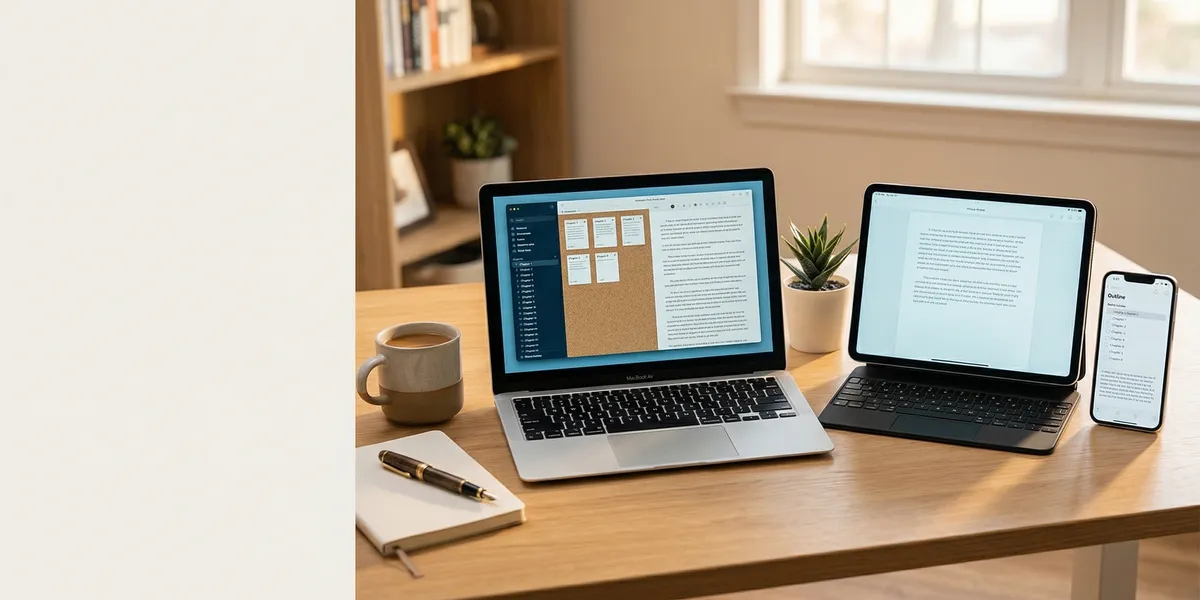
The right book writing app turns a vague idea into a finished manuscript. The wrong one buries you in features you never use or crashes when you hit 40,000 words.
This list covers ten book writing apps for 2026 — tested across fiction, nonfiction, and hybrid projects. Whether you need AI to generate a full draft, a structured workspace for complex plots, or a clean screen with nothing but your words, here are the tools worth your time.
Quick Comparison
| App | Best For | AI Features | Price | Platforms |
|---|---|---|---|---|
| Chapter (Our Pick) | Full AI manuscript generation | Complete book drafts | $97 one-time | Web |
| Scrivener | Organizing complex manuscripts | None | $49 one-time | Mac, Win, iOS |
| Atticus | Writing + formatting in one tool | None | $147 one-time | Web (PWA) |
| Dabble | Plot-driven writers | None | From $9/mo | Web, desktop |
| Google Docs | Free collaboration | Basic Gemini AI | Free | Web, mobile |
| Ulysses | Apple-native writing | None | $5.99/mo | Mac, iPad, iPhone |
| Novelist | Free mobile writing | None | Free | iOS, Android |
| Novlr | Distraction-free drafting | None | Free tier + paid | Web |
| Reedsy Book Editor | Free formatting + export | None | Free | Web |
| yWriter | Free scene-level organization | None | Free | Windows, Linux |
1. Chapter
Our Pick — Chapter
Chapter generates complete book manuscripts using AI — not outlines or suggestions, but finished drafts ready for editing. Nonfiction authors get 80 to 250 pages in roughly 60 minutes. Fiction writers can generate 20,000 to 120,000+ words using proven story structures.
Best for: Authors who want a complete first draft without months of writing
Chapter works differently from every other app on this list. Instead of providing a blank page and leaving the writing to you, it produces full manuscripts from structured frameworks. You provide the topic, outline direction, and voice preferences. The AI handles the draft. You handle the editing.
For nonfiction, that means selecting your subject, defining chapter themes, and letting the AI build a manuscript that reads like it was written by a subject-matter expert — not a chatbot. Over 2,100 authors have used Chapter to produce more than 5,000 books, and the platform has been featured in USA Today and the New York Times.
For fiction, Chapter’s fiction tool uses narrative frameworks like Save the Cat and the Romance Beat Sheet to generate structurally sound manuscripts. The character development system goes beyond basic profiles — you define motivations, flaws, and relationship arcs that thread through the entire story.
Pricing: $97 one-time (nonfiction) | Varies (fiction)
Why we built it: Most “AI writing tools” generate loose paragraphs with no structure. Chapter generates actual books — with narrative arcs, proper chapter flow, and a voice you can train to match your own.
Limitations: Chapter generates the draft, but you still need to edit. It is a manuscript generator, not a grammar checker or formatting tool. Pair it with a dedicated editor like ProWritingAid or Atticus for final polish.
2. Scrivener
Best for: Writers who need deep organization for complex projects
Scrivener has been the standard book writing app for serious authors since 2007. Its binder system lets you split your manuscript into scenes, chapters, or any structure you want — then drag and drop to rearrange without losing track of anything.
The corkboard view displays index cards for each section, letting you plot visually before writing a single word. Research folders keep notes, images, PDFs, and web clippings right alongside your manuscript. Snapshots let you save versions of any section before making major revisions.
Where Scrivener struggles is the learning curve. New users often spend a week just figuring out the interface. And there is no real-time collaboration — it is a single-user desktop app. The iOS version works but lacks the full power of the desktop editions.
Pricing: $49 one-time (Mac or Windows), $23.99 (iOS)
Best feature: Compile — export your manuscript to ePub, PDF, Word, or print-ready format from a single project file.
3. Atticus
Best for: Authors who want writing and book formatting in one app
Atticus combines a clean writing editor with professional-grade book formatting. Write your chapters, then switch to formatting mode to design your book’s interior — chapter headers, fonts, drop caps, and export for print or ebook — without leaving the app.
It runs as a progressive web app, so it works on any device with a browser while also functioning offline. The writing interface is intentionally minimal — no corkboard, no binder, no research panel. Just your text, organized by chapters.
For authors who have been using separate tools for writing and formatting (like Scrivener for drafting and Vellum for layout), Atticus eliminates that workflow gap. The formatting output rivals Vellum’s quality, and it works on Windows — which Vellum does not.
Pricing: $147 one-time
Limitation: No plotting or outlining features. If you need story structure tools, pair it with a separate plotting app.
4. Dabble
Best for: Plot-driven writers who need structure alongside their drafts
Dabble sits between Scrivener’s complexity and a basic word processor. The plot grid lets you map story beats across multiple plotlines and character arcs in a spreadsheet-style view that syncs with your manuscript sections.
Goal tracking shows daily and total word count progress against deadlines you set. The writing interface stays clean without sacrificing access to notes, plot points, and character sheets in a collapsible sidebar.
It syncs across devices through the cloud, so you can outline on your laptop and write on a tablet without manual file transfers. The focus mode dims everything except the current paragraph.
Pricing: From $9/month (Plot plan) to $18/month (Premium with all features)
Limitation: Monthly subscription adds up. Over three years, you will pay more than Scrivener’s one-time fee. No offline mode without the desktop app.
5. Google Docs
Best for: Authors who need free, collaborative writing
Google Docs is not built for book writing, but millions of authors use it anyway — and for good reason. It is free, works everywhere, saves automatically, and makes collaboration effortless. If you are working with a co-author, beta reader, or editor, the commenting and suggestion features remain unmatched.
Google’s Gemini AI integration now offers basic writing suggestions, though it is not specialized for books. The real value is simplicity: open a document, start writing. No learning curve, no installation, no compatibility issues.
For longer manuscripts, Docs starts to slow down past 100,000 words. Navigation through a 300-page document requires workarounds like a manual table of contents with bookmarks. And there are no built-in tools for scene tracking, character notes, or plot organization.
Pricing: Free (with a Google account)
Best used as: A drafting tool paired with a dedicated book writing software for organization and formatting.
6. Ulysses
Best for: Authors in the Apple ecosystem who want a distraction-free writing app
Ulysses is a Markdown-based writing app designed for Mac, iPad, and iPhone. The interface is pure simplicity — a library sidebar, a sheet list, and your text. No toolbars, no formatting menus, no distractions.
Sheets (Ulysses’ term for documents) can be grouped into folders and rearranged freely. Writing goals track word count targets per session, per sheet, or per project. iCloud sync keeps everything current across all your Apple devices without any manual steps.
The export engine outputs to Word, PDF, ePub, and HTML with customizable style sheets. For blog authors, Ulysses can publish directly to WordPress and Ghost.
Pricing: $5.99/month or $49.99/year
Limitation: Apple only. No Windows, no Android, no web version. If you switch platforms, your Ulysses library does not come with you.
7. Novelist
Best for: Mobile-first writers who want a free, dedicated book writing app
Novelist is built specifically for writing books on your phone or tablet. The interface organizes your project into chapters with a sidebar for notes, characters, and locations. It is completely free — no ads, no in-app purchases, no premium tier hiding the good features.
Available on both iOS and Android, Novelist focuses on what mobile writers actually need: quick chapter navigation, a distraction-free writing screen, and automatic cloud backup. The word count tracker shows progress per chapter and across the full project.
Pricing: Free
Limitation: Mobile only — there is no desktop or web version. Export options are limited compared to desktop writing apps. Best used as a companion for writing on the go, not as your primary manuscript tool.
8. Novlr
Best for: Distraction-free novel drafting with optional AI assistance
Novlr strips the writing interface down to the essentials. A dark or light editor, word count goals, and your manuscript — that is it. The free tier covers basic writing and organizational features, while paid plans add AI writing suggestions and more advanced tools.
The notes panel keeps character details and plot points accessible without leaving your manuscript. Auto-save works in real-time so you never lose a sentence to a browser crash.
Pricing: Free tier available; paid plans from $10/month
Limitation: Fewer organizational features than Scrivener or Dabble. Not ideal for complex multi-POV novels that need scene-level tracking across plotlines.
9. Reedsy Book Editor
Best for: Authors who need free, professional book formatting
The Reedsy Book Editor is a free web-based tool that combines writing with typesetting. Write your chapters in a clean editor, then export print-ready PDFs and ePub files that look professionally formatted — all without paying a dime.
The output quality is strong for a free tool. Chapter headers, fonts, and layout follow industry-standard conventions. Reedsy also connects to a marketplace of professional editors, designers, and ghostwriters if you need help beyond what the app provides.
Pricing: Free
Limitation: Limited writing features — no plotting tools, no character tracking, no focus mode. Better suited for formatting and export than as your primary writing environment.
10. yWriter
Best for: Authors who want free scene-level organization
yWriter was built by a published novelist (Simon Haynes) who needed a better way to organize scenes within chapters. It breaks your manuscript into scenes, tracks which characters appear in each one, and lets you flag scenes by completion status.
The storyboard view shows all scenes across all chapters, making it easy to spot structural gaps. Word count tracking works at the scene, chapter, and project level.
Pricing: Free
Limitation: The interface looks dated. Windows-only natively, though it runs on Linux via Mono. No cloud sync, no mobile version, and no Mac support without workarounds.
How We Evaluated These Apps
Every app on this list was evaluated across five criteria:
- Writing experience — How clean and focused is the actual writing interface?
- Organization — Can you structure a book-length manuscript without workarounds?
- Output quality — Does the app produce professional export formats (ePub, PDF, print-ready)?
- Pricing — What is the total cost over one year of use?
- Platform availability — Does it work where you actually write (desktop, mobile, web)?
We weighted AI manuscript generation separately because it fundamentally changes the writing workflow. An app that generates a complete first draft solves a different problem than one that gives you a better place to type.
How to Choose the Right Book Writing App
The best book writing app depends on where you are in your writing process:
If you need a finished manuscript fast: Chapter generates complete books using AI — the only app on this list that produces actual full-length drafts rather than assisting your writing.
If you need deep organization: Scrivener gives you the most control over manuscript structure, research, and revision history. The learning curve pays off for complex projects.
If you need writing plus formatting: Atticus combines both in a single app, saving you from switching between tools when your manuscript is ready for publication.
If you need free and simple: Google Docs for collaboration, Reedsy for formatting, or Novelist for mobile writing. All free, all capable enough for a complete manuscript.
If you write on Apple devices: Ulysses offers the smoothest experience across Mac, iPad, and iPhone with iCloud sync that just works.
For most authors writing their first book, starting with Chapter for the draft and Atticus for formatting gives you a complete pipeline from idea to published book — without a monthly subscription eating into your royalties.
FAQ
What is the best free book writing app?
For mobile, Novelist offers a complete book writing experience with no ads or paywalls. For desktop, Reedsy Book Editor provides free writing and professional-grade formatting. Google Docs works everywhere and costs nothing if you already have a Google account.
Can I write a book on my phone?
Yes. Novelist (iOS and Android) is purpose-built for writing books on mobile. Google Docs and Dabble also work on phones, though their interfaces are optimized for larger screens. Many authors use mobile apps for writing sessions during commutes or breaks, then switch to desktop for heavy editing.
What app do most published authors use?
Scrivener remains the most widely used dedicated book writing app among traditionally published authors, according to Author Alliance surveys. However, Google Docs and Microsoft Word still dominate overall because of their familiarity. AI-powered tools like Chapter are the fastest-growing category as authors adopt AI-assisted writing workflows.
Is Scrivener worth the price?
At $49 one-time, Scrivener costs less than three months of most subscription-based writing apps. For authors writing complex manuscripts with multiple storylines, research materials, and frequent structural revisions, the investment pays back quickly. For simpler projects, a free tool like Google Docs or Reedsy may be all you need.
What is the difference between a book writing app and a word processor?
A word processor (Word, Docs) treats your manuscript as a single long document. A book writing app structures it into chapters, scenes, and sections with dedicated tools for plotting, character tracking, and manuscript-specific features like word count goals and export to publishing formats.