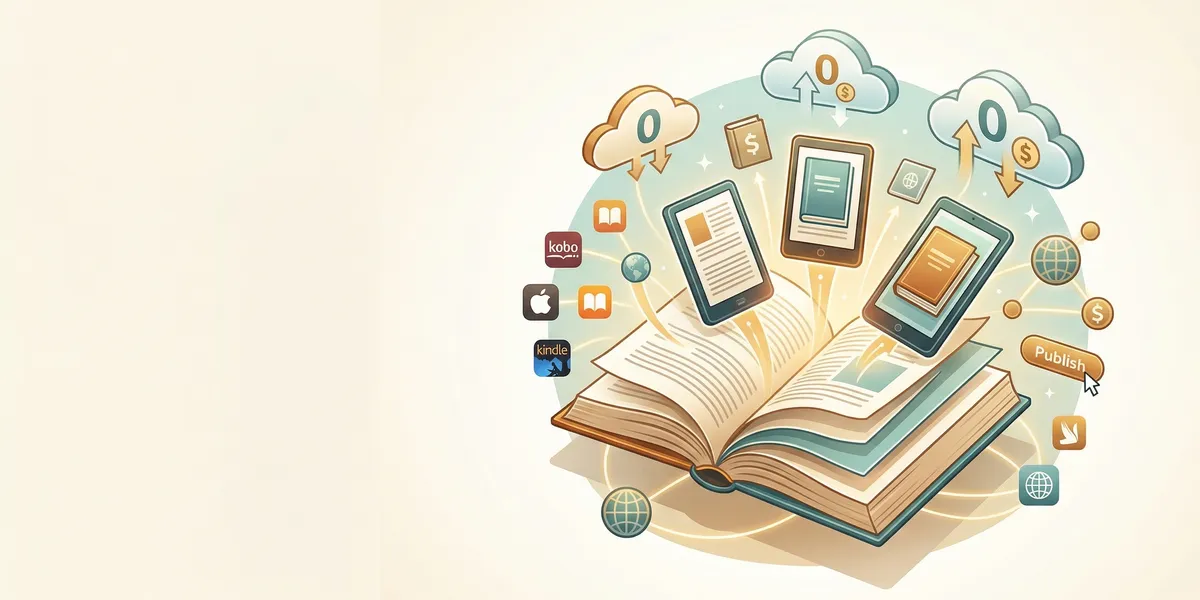
Yes, you can publish a book for free. Multiple platforms let you upload a manuscript, create ebook and print editions, and distribute to readers worldwide without paying a cent upfront. This guide walks through the six best free book publishing options, what each one does well, and how to go from finished manuscript to published author at zero cost.
How Free Book Publishing Actually Works
Free book publishing uses a print-on-demand (POD) model. Instead of printing thousands of copies upfront, the platform prints each book only after a reader orders it. The platform deducts printing costs from your royalties and keeps a percentage as their fee. You never hold inventory and never pay out of pocket.
For ebooks, the model is even simpler. You upload a formatted file, set a price, and the platform takes a royalty cut from each sale. There are no production costs for digital books.
This business model is why platforms like Amazon KDP and Draft2Digital can offer free publishing. They make money when you make money.
The 6 Best Free Book Publishing Platforms
Here is a side-by-side comparison of every major free publishing platform:
| Platform | Ebook Royalty | Print (POD) | Distribution Reach | Free ISBN |
|---|---|---|---|---|
| Amazon KDP | 35–70% | Yes | Amazon stores globally | Yes |
| Draft2Digital | ~60% net | Yes | Apple, Kobo, B&N, libraries, 100+ retailers | Yes |
| IngramSpark | 40–45% net | Yes | 40,000+ retailers, bookstores, libraries | No (bring your own) |
| Barnes & Noble Press | 40–70% | Yes | BN.com, Nook | Yes |
| Kobo Writing Life | 45–70% | Via partners | Kobo stores, Walmart, libraries | Yes |
| Apple Books | 70% flat | No | Apple ecosystem globally | Yes |
1. Amazon KDP
Amazon Kindle Direct Publishing is the largest free book publishing platform in the world. It handles ebooks, paperbacks, and hardcovers through a single dashboard with no upfront fees.
Books priced between $2.99 and $9.99 earn a 70% ebook royalty. Paperbacks earn 60% minus printing costs. Amazon controls roughly 70–80% of the global ebook market, so publishing here gives you access to the biggest pool of readers.
KDP also provides free ISBNs for print editions (though they list Amazon as the publisher of record). The KDP Select program offers promotional tools like Kindle Unlimited enrollment and Countdown Deals, but requires 90-day exclusivity.
Best for: Authors who want maximum visibility and the fastest path to sales. If you only publish on one platform, this should be it. Learn more in our guide to self-publishing on Amazon.
2. Draft2Digital
Draft2Digital is an aggregator that distributes your book to Apple Books, Kobo, Barnes & Noble, OverDrive (libraries), and over 100 smaller retailers from one account. Upload once, reach readers everywhere.
Their formatting tools automatically convert a Word document into a clean ebook file. They also offer free ISBNs, universal book links, and print-on-demand through D2D Print. The royalty structure takes a 10% service fee from whatever the retailer pays, landing around 60% of list price on most stores.
Best for: Authors who want wide distribution without managing separate accounts on every platform.
3. IngramSpark
IngramSpark connects to the Ingram distribution network, feeding your book into 40,000+ retailers, libraries, and bookstores worldwide. This is the platform that gets self-published print books onto physical bookstore shelves.
IngramSpark removed its setup fees in 2024, making it free to publish. However, royalties are lower because the platform uses wholesale pricing with retailer discounts (typically 55% off list price for bookstore distribution). Print quality and trim size options are superior to Amazon KDP.
Best for: Authors who want their physical book in brick-and-mortar bookstores and library catalogs.
4. Barnes & Noble Press
Barnes & Noble Press publishes ebooks and paperbacks directly to BN.com and Nook devices. The platform offers up to 70% royalties on ebooks and free ISBNs.
The setup process is simple, and select self-published authors have a chance at in-store placement across 600+ Barnes & Noble retail locations. Distribution is limited to the Barnes & Noble ecosystem, so most authors use this alongside other platforms.
Best for: Authors targeting the Barnes & Noble customer base as part of a wide distribution strategy.
5. Kobo Writing Life
Kobo Writing Life is Kobo’s direct publishing platform with strong international reach, especially in Canada, Australia, and Europe. Ebook royalties range from 45% to 70% depending on price, and Kobo distributes to Walmart’s ebook store and library systems.
Kobo also runs a subscription program (Kobo Plus) that pays authors based on reader engagement, similar to Kindle Unlimited but without exclusivity requirements.
Best for: Authors who want international ebook readers outside the Amazon ecosystem.
6. Apple Books
Apple Books offers a flat 70% royalty at all price points, which is the most generous rate on this list. The platform reaches every Apple device user globally.
The catch: Apple’s publishing tools work best on macOS. Windows users can publish through an aggregator like Draft2Digital instead. There is no print option — Apple Books is ebook-only.
Best for: Authors with a macOS setup who want premium royalty rates and access to Apple’s reader base.
Where AI Writing Tools Fit In
Free book publishing platforms handle distribution and sales. But you still need a manuscript to publish. This is where the real cost — either in time or money — comes in.
Our Pick — Chapter
Chapter.pub helps you write, structure, and complete a nonfiction book using AI. Instead of spending months drafting or thousands on a ghostwriter, you can go from idea to finished manuscript in days.
Best for: Nonfiction authors who want to write and publish their first book without hiring a ghostwriter Pricing: $97 one-time Why we built it: Most aspiring authors abandon their book before finishing a draft. Chapter solves the hardest part — actually writing the thing — so you can get to the free publishing step.
If your manuscript is already written, you can skip straight to formatting and uploading. But if the blank page is what’s stopping you, an AI writing tool closes the gap between “I want to write a book” and “I just published one.”
Step-by-Step: How to Publish a Book for Free
Here is the complete process from finished manuscript to published book, with zero spending:
Step 1: Finalize your manuscript. Complete your draft, run it through a tool like Grammarly or ProWritingAid for basic editing, and get feedback from beta readers.
Step 2: Format your book. Use Draft2Digital’s free formatting tools or Reedsy’s free book editor to convert your manuscript into ebook and print-ready files.
Step 3: Design your cover. Canva’s free tier offers book cover templates, or use a pre-made cover from a marketplace ($0–$200). Your cover is your most important marketing asset, so invest here if you can afford even a small budget.
Step 4: Choose your platform(s). Start with Amazon KDP for maximum reach. Add Draft2Digital for wide distribution to other retailers and libraries. Use IngramSpark if bookstore placement matters.
Step 5: Upload and publish. Create accounts, upload your files, write your book description, select categories and keywords, set your price, and hit publish. Most platforms make books available within 24–72 hours.
Step 6: Promote your book. Free publishing does not include marketing. Build an email list, post on social media, ask for reviews from early readers, and consider Amazon ads once you have some initial sales data.
For a deeper dive into each stage, read our complete how to self-publish a book guide.
Common Mistakes to Avoid
- Skipping editing entirely. Free tools catch grammar errors, but they miss structural problems and awkward phrasing. Budget even $200–$500 for a basic copy edit if possible. See our self-publishing cost breakdown for realistic numbers.
- Using a DIY cover that signals “self-published.” Readers judge books by covers. A bad cover costs you more in lost sales than a $150 pre-made cover costs upfront.
- Publishing exclusively on one platform too early. Unless you are specifically targeting Kindle Unlimited readers, going wide from day one gives you more data on where your audience actually buys.
- Ignoring metadata. Your book title, subtitle, description, categories, and keywords determine whether readers find your book. Spend as much time on metadata as you do on your first chapter. Our guide to Amazon keywords for books covers this in detail.
- Expecting sales without marketing. Publishing is free. Visibility is not. Plan a launch strategy before you hit “publish.”
FAQ
Is free book publishing legitimate?
Yes. Amazon KDP, Draft2Digital, IngramSpark, and the other platforms listed above are established companies used by hundreds of thousands of authors. They make money through royalty splits and printing margins, not upfront fees. Any company that charges you thousands of dollars to “publish” your book is a vanity press, not a free publishing platform.
Can I publish a book for free and still make money?
Absolutely. The average self-published author earns $1,000–$10,000 per year, with top performers earning six figures. Your income depends on book quality, genre, marketing, and backlist size — not on how much you spent to publish. Many bestselling indie authors started with free platforms and reinvested their earnings.
Do I need an ISBN to publish for free?
No. Amazon KDP, Draft2Digital, and Kobo all provide free ISBNs. The trade-off is that the platform appears as your publisher of record. If you want your own imprint name listed, you can purchase ISBNs from Bowker ($125 for one, $295 for ten). For most first-time authors, the free ISBN is fine.
What is the difference between free publishing and vanity publishing?
Free self-publishing platforms (KDP, Draft2Digital, IngramSpark) charge nothing upfront and take a percentage of each sale. Vanity presses charge $3,000–$20,000+ for “publishing packages” that often deliver low-quality results with minimal distribution. If a company asks for thousands of dollars before your book is printed, it is almost certainly a vanity press. Our best self-publishing platforms guide compares legitimate options in detail.
Can I publish both ebook and print editions for free?
Yes. Amazon KDP, Draft2Digital (via D2D Print), IngramSpark, and Barnes & Noble Press all offer free print-on-demand alongside ebook publishing. You upload your print-ready PDF and cover file, and they print copies as orders come in. No minimum order, no warehouse, no upfront cost.