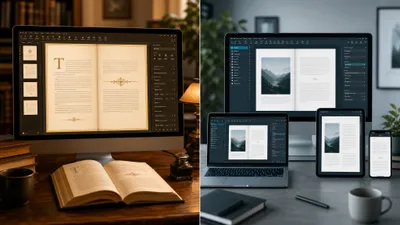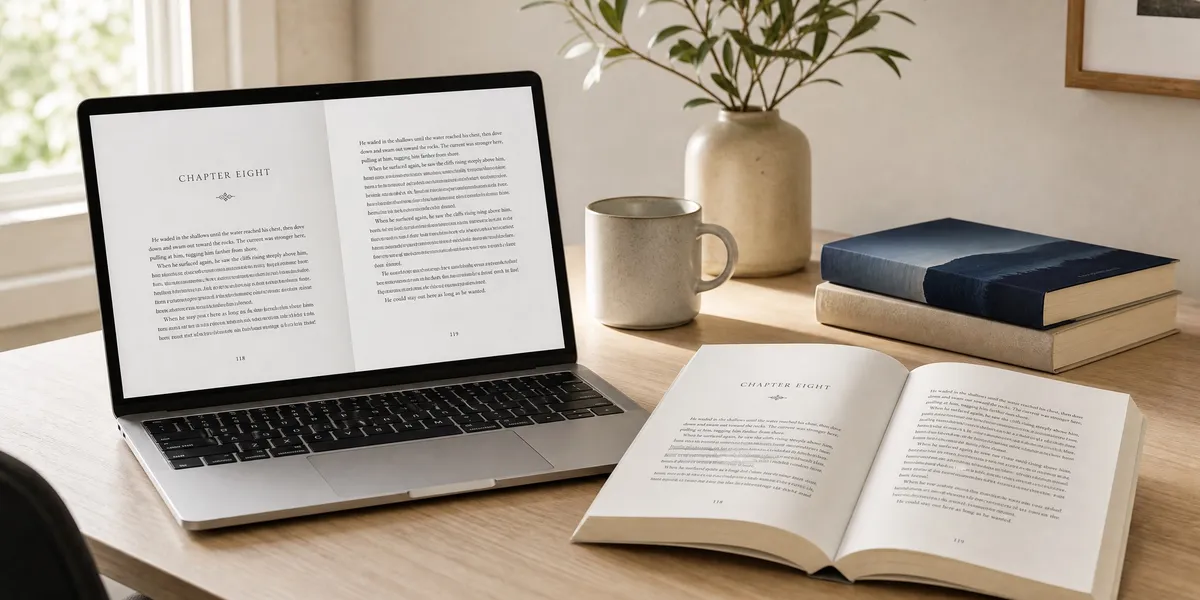
Vellum is a Mac-only book formatting app that costs $199.99 for ebooks or $249.99 for ebooks plus print, one time. It produces the cleanest book interiors of any consumer tool on the market, it will not help you write anything, and if you use Windows it is effectively unavailable.
That is the whole review. Everything below is the evidence.
In this Vellum review, you will get:
- Verified 2026 pricing, including the costs that are not on the price tag
- A specific account of what Vellum does better than every competitor
- The limitations that reviews written by affiliates tend to skip
- A straight answer on who should buy it and who should walk away
Here is the assessment.
What Vellum Actually Is
Vellum — Mac-only desktop software that converts a finished manuscript into professionally typeset ebook and print files, using preset book styles rather than manual page layout.
It is a formatter, not a word processor and not a writing tool. You bring a completed manuscript, usually as a DOCX. Vellum splits it into chapters, applies one of its book styles, and generates validated EPUB files and a print-ready PDF.
The company behind it is 180g, founded by former Pixar engineers who launched the app in 2013. That origin shows. Vellum behaves like a piece of production software built by people who care about typographic detail, not like a startup MVP.
The current version requires macOS 13 or newer. There has never been a Windows build, and the developers have never signalled one is coming.
What Vellum Does Well
Vellum’s core claim is that a competent-looking book interior should take twenty minutes, not two days. It delivers on that more completely than anything else in its price range.
The output genuinely looks professional. Vellum ships preset styles — Decorum, Directive, Venture, Meridian, Whisper for print; Stardust, Kindred, Verdict, Metro, Stiletto for ebook — with drop caps, embedded display fonts and ornamental scene breaks already balanced. You are not designing a book. You are choosing one that a designer already made.
Print output is genuinely print-ready. Vellum exports PDF/X-1a, which is the prepress standard KDP and IngramSpark actually want. It handles widows and orphans, spread balancing, running headers, gutter margins and page numbering automatically across 24 trim sizes plus large print, paperback or hardcover.
The previewer is the feature people underrate. Vellum renders your book live across simulated Kindle, Kobo and Apple Books devices, updating as you edit. Most formatting errors are caught before export rather than after a rejected upload. If you have ever gone three rounds with the KDP formatting requirements, you know what that is worth.
One source, many editions. A single Vellum file generates EPUB 3, EPUB 2, a beta-reader ARC in EPUB and MOBI, and the print PDF, all in sync. Fix a typo, hit generate, and every edition updates. Box sets are a few clicks from existing files.
Accessibility output that is now a legal issue. This is the part almost no Vellum review connects. Vellum produces ACE-approved accessible output — files that pass the DAISY Consortium’s ACE checker. Since 28 June 2025, the European Accessibility Act has required ebooks sold in the EU to meet EPUB Accessibility 1.1 and WCAG 2.1 AA. Most indie authors fall under the microenterprise exemption, but retailers are enforcing the standard regardless, and backlist titles lose their transition period in 2030. Vellum handles this without you thinking about it. A DOCX exported straight from Word does not.
What Vellum Does Not Do Well
This is the section that decides whether the rest of the review is worth trusting, so it gets real content.
It is Mac-only, and the workarounds are bad. This is not a minor platform quibble. Vellum’s own Windows guide tells you to rent a Mac in the cloud through a service like MacinCloud, from around $1 per hour. That works, but it means doing your formatting against a meter, on a remote desktop, with file transfer in the middle. The alternative is buying Apple hardware — and authors genuinely do it, with reviewers describing buying a MacBook Air specifically to run this one app. That is a $249.99 program with a $599 to $999 entry fee attached.
Customisation has a hard ceiling. You pick a style. You do not build one. You cannot import your own fonts, which means if your series has established display typography, Vellum cannot match it. Reviewers have complained for years that Vellum books start to look like each other, and the complaint is fair. For a novel that is fine. For a design-led nonfiction book it is a real constraint.
Nonfiction is the weak spot. Vellum was built around fiction. It has no call-out boxes, limited handling of nested heading levels, and footnotes are conspicuously absent from its own feature marketing. If your book needs academic citation apparatus, complex tables, or sidebars, you are looking at Adobe InDesign or Affinity Publisher, not Vellum.
No collaboration, no version control, no cloud. There is no Track Changes, no comments, no co-author mode and no native sync. Your editor works in Word on a DOCX and you re-import. Your backup strategy is whatever you configure in Dropbox or iCloud yourself. Files live on one machine.
It is not a writing tool and does not pretend to be. Chapter word counts, spellcheck and find-and-replace. That is the extent of it. There is no outlining, no research pane, no snapshots. Editing text inside Vellum is deliberately awkward because you are not supposed to be doing it there.
The two-tier split catches first-time authors out. Buying Vellum Ebooks at $199.99 and deciding later that you want a paperback means paying the $50 difference. Vellum will exchange the tier if you ask within 30 days, per its purchasing FAQ — after that window, you are buying the upgrade. Most first-time authors eventually want print, so the $50 saved up front is usually not saved.
How the Pricing Compares
As of August 2026, Vellum’s published pricing at store.vellum.pub is:
| Tier | Price | What you get |
|---|---|---|
| Vellum Ebooks | $199.99 | Unlimited ebook editions |
| Vellum Press | $249.99 | Unlimited ebooks and print editions |
Both are one-time purchases with free updates. No subscription. Tax is not included, and Vellum offers a 30-day return window.
Against the field:
| Tool | Price | Platform | Writes the book? |
|---|---|---|---|
| Chapter (our product) | $97 one-time | Web | Yes |
| Vellum Press | $249.99 one-time | Mac only | No |
| Atticus | $147 one-time | Web, any OS | No |
| Freelance formatter | $100–$400 per book | n/a | No |
The number that matters is cost per book, not sticker price. Vellum is unlimited, so a five-book series works out to $50 per book, which beats hiring a formatter every time. A single standalone memoir at $249.99 does not.
And the real Windows figure is not $249.99. It is $249.99 plus a Mac, or $249.99 plus an indefinite cloud-Mac subscription. Price that honestly before you decide.
What Real Users Say
Sentiment across published reviews is consistent, and unusually so.
On quality, reviewers who have tested the category broadly describe Vellum as the fastest, cleanest formatter available and the effective gold standard for ease of use. That view holds even in reviews published by people who sell competing products.
On the platform limitation, the complaint is universal. Every substantial review names Mac exclusivity as the single biggest drawback, and multiple reviewers describe the cloud-Mac workaround as complicated and unsatisfying.
On customisation, opinion splits. Some authors find the eight-to-twenty-odd style ceiling frustrating and say Vellum books look alike. Others describe the constraint as a relief after weeks of decision fatigue. Both are honest reactions to the same design choice.
The recurring caveat is worth repeating: several of the best-known Vellum reviews are published by people who own competing formatting products. Read those, including comparisons on this blog, with that in mind.
Who Should Buy Vellum
Buy Vellum if you meet all three of these conditions.
You own a Mac running macOS 13 or later. You have a finished manuscript, edited, in DOCX. And you plan to publish more than one book, because the unlimited licence is where the value sits.
Series fiction authors are the ideal customer. Romance, fantasy, thriller and cosy mystery writers publishing three or more titles get the most out of it — the preset styles suit genre fiction, box set assembly is trivial, and the per-book cost collapses fast.
Who Should Not Buy Vellum
Do not buy Vellum if you use Windows and do not already want a Mac for other reasons. Atticus at $147 runs anywhere and gets you 90% of the result. Our Atticus review and the Vellum vs Atticus comparison cover that trade in detail.
Do not buy Vellum for one book. A single title at $249.99 costs more than hiring a professional formatter for that book, and the formatter will handle anything unusual in your layout.
Do not buy Vellum for a design-heavy nonfiction book, a textbook, a cookbook, or anything needing footnotes, call-outs or complex tables. That is InDesign territory.
And do not buy Vellum if your manuscript is not finished. This is the most common expensive mistake in self-publishing, and it deserves its own section.
Where Vellum Beats Chapter
We build Chapter, so weigh this section accordingly. We are also not going to claim Vellum loses across the board, because it does not.
Vellum is straightforwardly better than Chapter at three things.
Typesetting craft. Chapter exports clean, KDP-ready files. Vellum produces designed interiors. Drop caps, ornamental scene breaks, embedded display fonts, spread balancing, precise gutter margins on a 500-page trim — Vellum gives you that and Chapter does not. If the interior of your book is part of the product, Vellum wins outright.
Print specification depth. PDF/X-1a, 24 trim sizes, hardcover, large print, full-bleed pages and backgrounds. Chapter does not compete here and is not trying to.
A workflow with no AI in it. Vellum never writes a word. For authors bound by contest rules, publisher AI-disclosure clauses, or their own convictions about how a book should be made, that is not a missing feature. It is the requirement, and Vellum meets it cleanly.
There is a fourth, quieter one: Vellum is a local desktop app you own. No account, no server, no dependency on a company staying online. Some authors value that a great deal, and it is a legitimate preference rather than a technicality.
We would rather say all of that plainly than lose your trust over it.
The Alternative We Built
Our Product — Chapter
Chapter takes an idea and produces a complete, structured manuscript, then exports files ready for KDP upload. It solves the part of publishing that actually stops people — writing the book — rather than the part that stops almost nobody.
Best for: Authors who do not yet have a finished manuscript Pricing: $97 one time, 2 books included (fiction or nonfiction), 30-day money-back guarantee Why we built it: Every formatting tool on the market assumes the hard part is already done. For most aspiring authors, it is not.
The honest positioning is this. Vellum and Chapter solve adjacent problems, and which one you need depends entirely on where you are stuck.
If you have 80,000 finished words in a DOCX and a Mac on your desk, Chapter is the wrong purchase. Buy Vellum. We mean that.
If you have an idea, an outline, or a draft that has not moved in eight months, Vellum will format the nothing you have very beautifully. Chapter builds the structural framework first, then writes the prose, which is why the output reads like a book rather than a long blog post. Over 2,147 authors have used it to produce more than 5,000 books, and the approach has been covered in USA Today and the New York Times.
Chapter also produces KDP-ready files, which covers a standard novel or business book without a second purchase. For a straightforward interior, that is the entire workflow at $97 instead of $249.99.
Plenty of authors buy both, and that is a sensible stack: Chapter to write and export, Vellum to typeset when the book deserves real interior design. Total cost of $347 for a finished, beautifully set book is still less than one round of freelance writing and formatting.
If you want the wider picture, our guide to writing a book with AI walks through the drafting workflow, book formatting software covers the full category, and the self-publishing guide handles everything downstream of the manuscript.
Try Chapter for nonfiction ($97) | Try Chapter for fiction
FAQ
Is Vellum worth $249?
Vellum is worth $249.99 if you own a Mac and plan to publish more than one book, because the licence covers unlimited titles and the per-book cost drops quickly. For a single standalone book, hiring a freelance formatter usually costs less and handles unusual layouts better.
Does Vellum work on Windows?
Vellum does not work on Windows. It is Mac-only and requires macOS 13 or newer, with no Windows version announced. Windows authors either rent a cloud Mac at a recurring monthly cost, borrow a Mac, or use a cross-platform alternative such as Atticus.
Is Vellum better than Atticus?
Vellum is better than Atticus on output polish and print specification depth, producing marginally cleaner default interiors with a smoother workflow. Atticus wins on price ($147 versus $249.99) and platform support, since it runs in any browser. On a Mac with budget, Vellum. Everywhere else, Atticus.
Can you write a book in Vellum?
You cannot realistically write a book in Vellum. Its editing tools are limited to chapter word counts, spellcheck and find-and-replace, with no outlining, research pane or version history. Vellum assumes your manuscript is finished and imports it as a DOCX for formatting only.
Does Vellum handle footnotes and nonfiction layouts?
Vellum handles fiction layouts far better than complex nonfiction. It does not advertise footnote support, lacks call-out boxes, and offers limited nested heading control. Books needing citations, sidebars or complex tables are better served by Adobe InDesign or Affinity Publisher.
Is there a Vellum free trial?
Vellum has no time-limited free trial, but the app is free to download and use until you generate files. You can import a manuscript, apply styles and preview the full result, then pay only when you want to export your ebook or print PDF. That is effectively an unlimited trial of everything except the final step.